System
Tvam Technologies
Bangalore, India.
Tvam is an all-in-one app
that helps you make payments, get loans, buy insurance, and even talk to doctors.
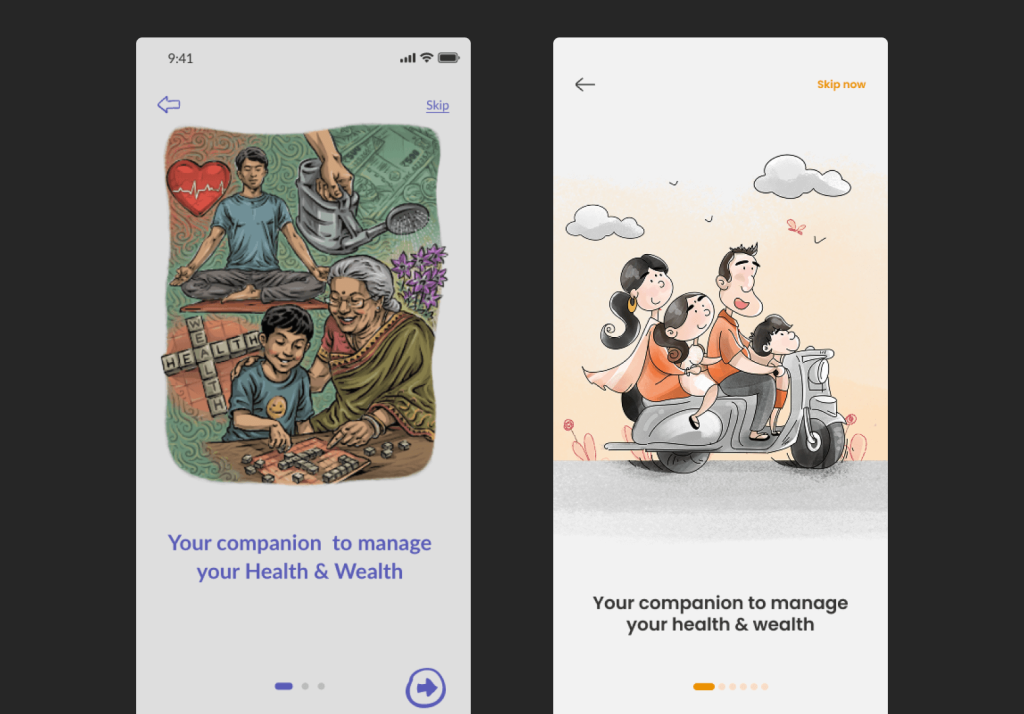
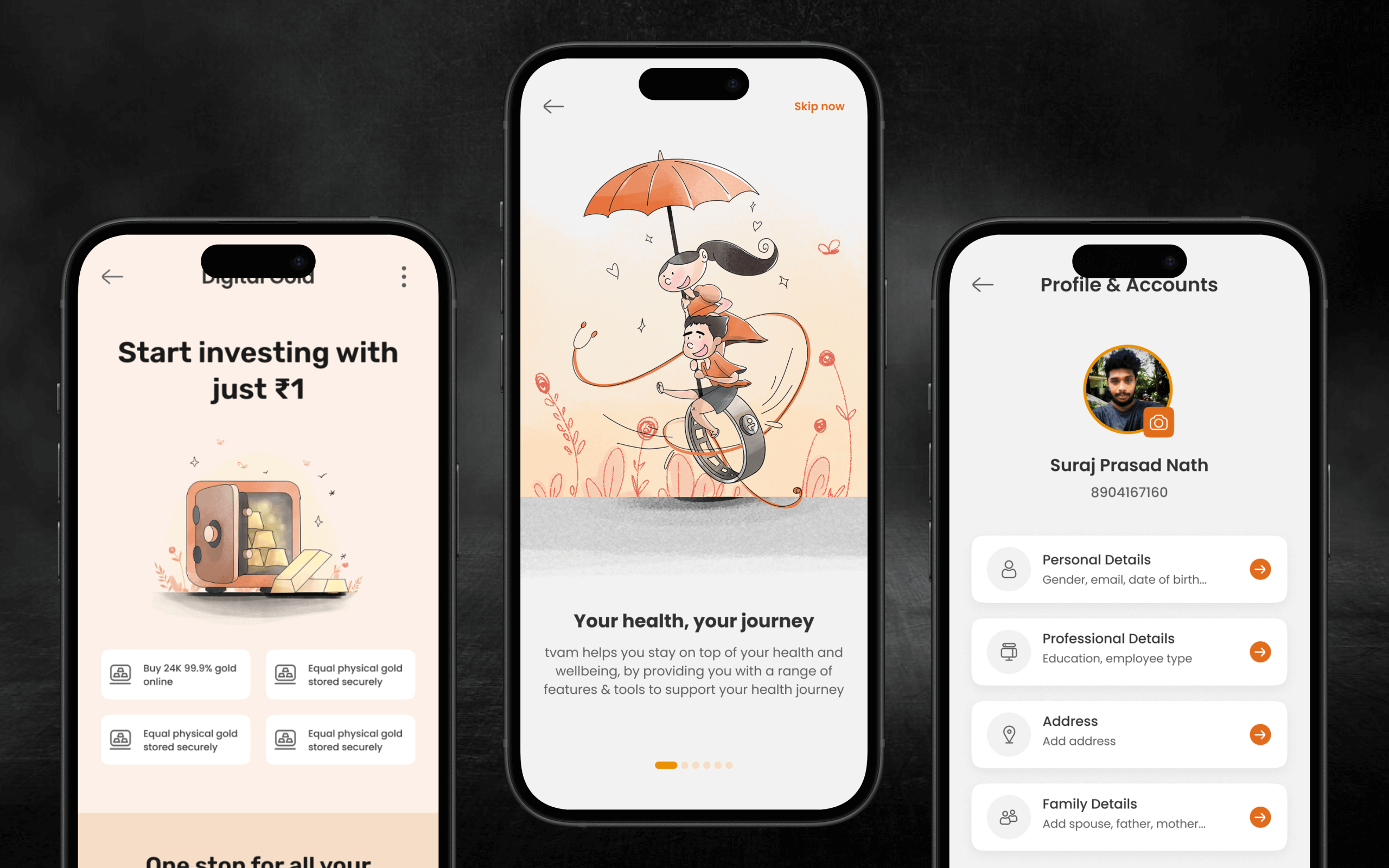
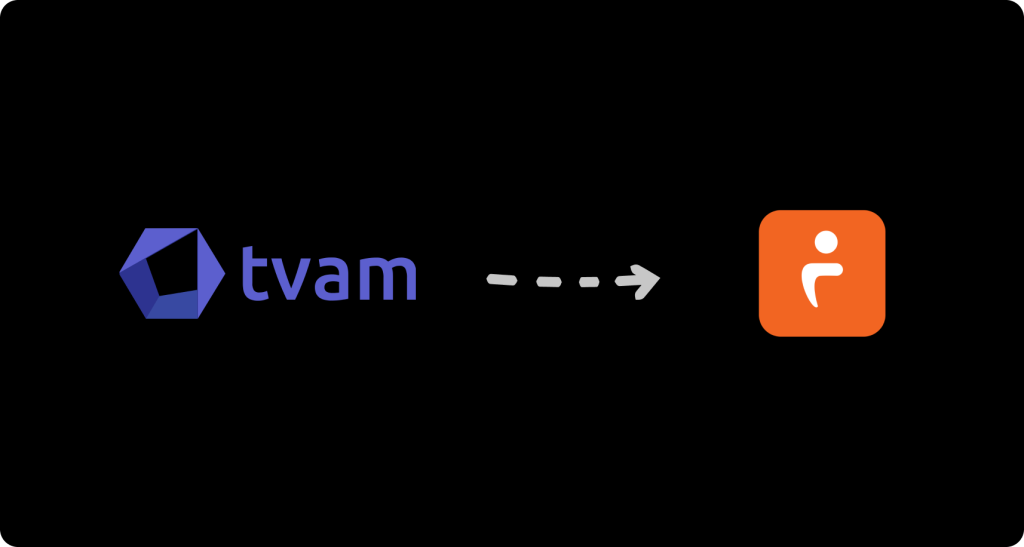
Our CEO and investors had just finalized a big brand change…from a blue logo to an orange one.
Why:
The old blue design felt outdated and didn’t reflect the brand’s new energy or growth.
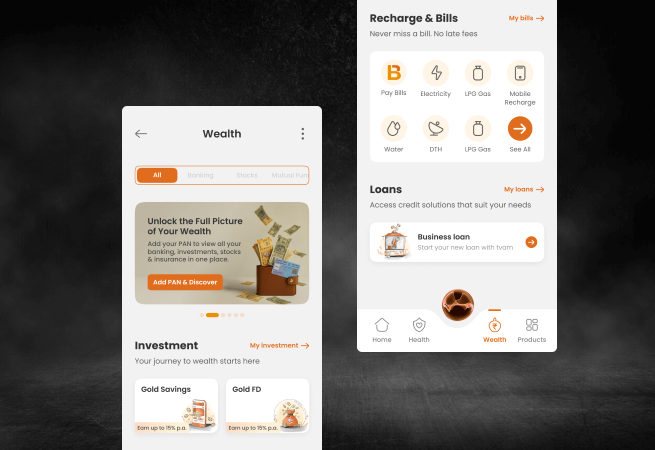
The new orange identity stood for hope, empowerment, and confidence…qualities we wanted our product to reflect.
My Role:
I led this with a team of four designers. Together, we had to redesign everything…not just colors, but the entire system behind it.
The blue audit
Before we could start painting everything orange, we needed to understand what was broken in the blue version.
So, we started with design audit…going through every module, screen, and component.
Core Challenge
Tvam’s product had grown through multiple teams and started to feel like three different apps in one.
Before us, the designs were outsourced to an external agency, with several designers working on different modules.
Because of this, there was no single source of truth or design direction. Each module had its own look and behavior…layouts, colors, and icons didn’t match. This inconsistency made the product confusing for users and difficult for developers and testers to maintain.
For Users
Jumping between modules felt like using different apps. Buttons moved, filters behaved differently.
For Engineers & Testers
They had to rebuild and test UI components every time, creating massive technical debt and slowing down releases.
For Support Team
Support was overwhelmed with tickets and calls about confusing interfaces. Many “issues” weren’t bugs…just inconsistent UX.
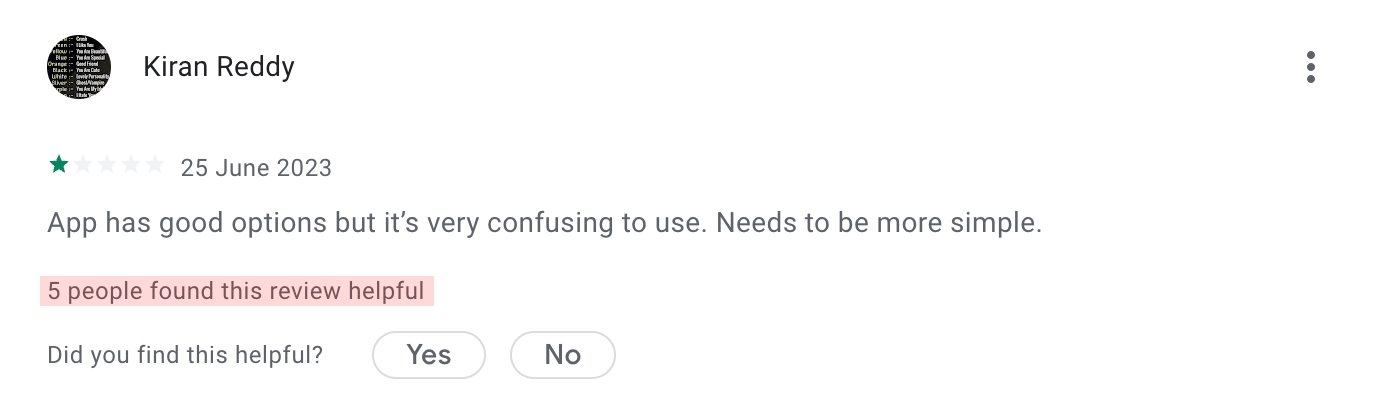
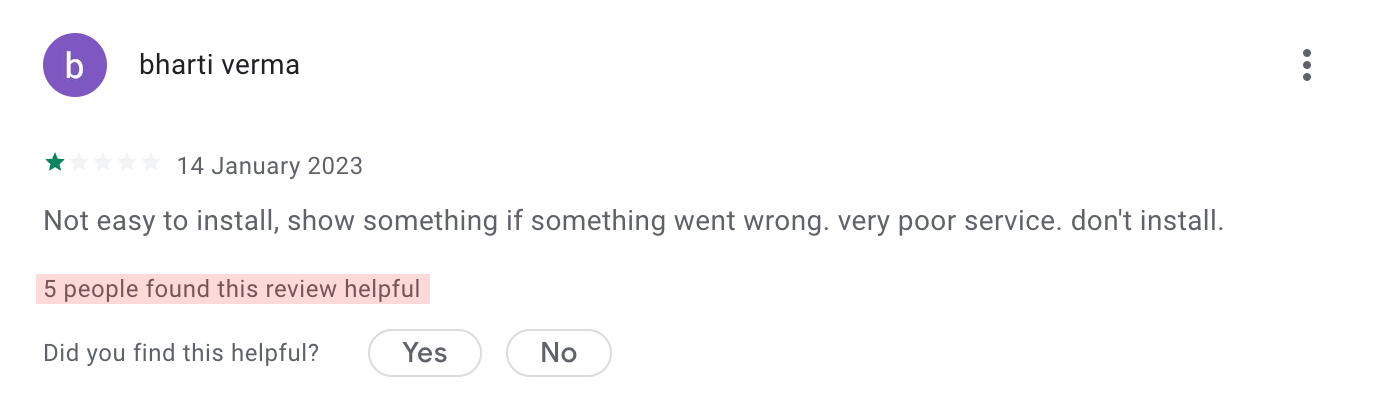
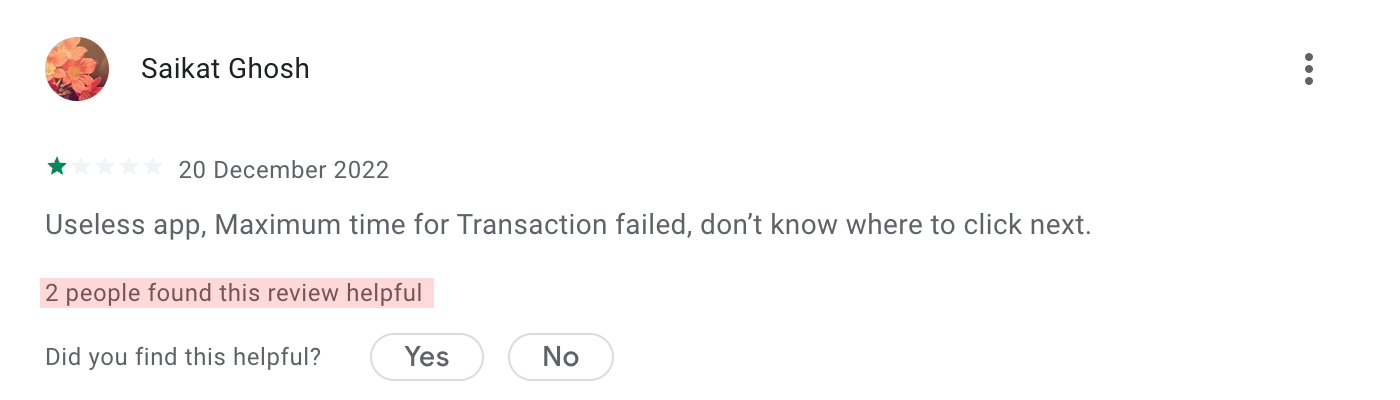
What we found on play store
Why this really mattered
1.
around 30–40% of support issues were just because of confusing UI.
2.
Developers were spending 1–2 extra days every sprint rebuilding the same components
3.
Usability tests showed users taking 2× longer to complete common tasks.
The Mission
So, we decided to fix this at the root by creating Tvam’s first Design System.
A single shared space where our team could store and reuse every design element…buttons, colors, fonts, layouts, and patterns.
From Adobe to Figma
Since all our old designs were done in Adobe XD, it was the right time to fix how our design team worked internally too.
In Adobe XD, only one person could open a file at a time. Designers had to wait, versions got mixed up, and even small changes took much longer than needed.
So before we started fixing Tvam’s design problems, I decided to move the whole team to Figma.
With Figma, everyone could work in the same file together, leave comments instantly, see changes live, and build components as a team instead of working separately.
Redesigning the entire app from the ground up.
Foundations
1. Foundations
After checking everything, listening to everyone’s feedback, and reviewing the old screens, we finally understood what needed to be fixed. Now it was time to start building the solution.
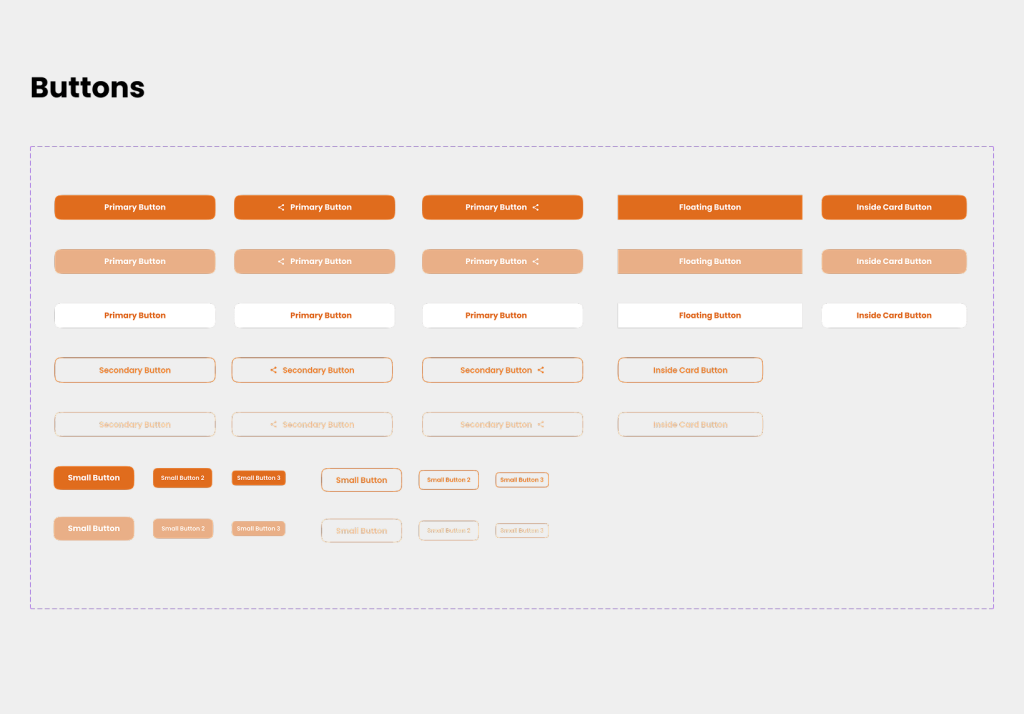
Setting up UI kit in Figma
Our first step was to create a single place where every design element would live.
This became the Tvam UI Kit, our shared Figma library.
We started with the basics:
We made sure every component was clean, reusable, and flexible, so developers could use it without guesswork.
UI Review
2. UI Review
Building and testing components
Instead of jumping straight into final screens, we built components first…and tested them early.
This helped us catch issues early:
Every improvement was added back into the UI Kit, making it stronger each week.
Dev Alignment
3. Developers on board
Getting developers on board
One of the important parts was helping developers adopt the new UI Kit.
We shared:
At first, it took time for devs to adjust to the new system, but once they understood the rules, things became smoother.
We also reduced:
Redesign
4. Redesign
Full app redesign
Once the components were ready, we redesigned every part of the app using the UI Kit.
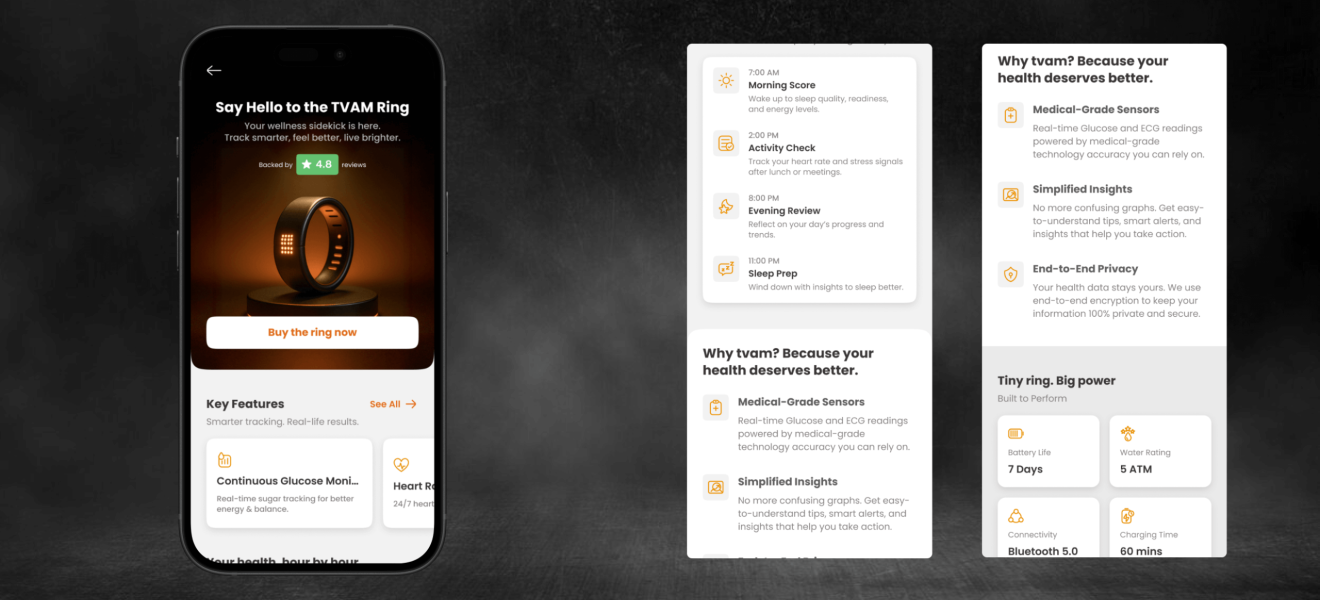
The new screens felt clean, simple, and aligned…something Tvam never had before.
Final
Screens